Guides
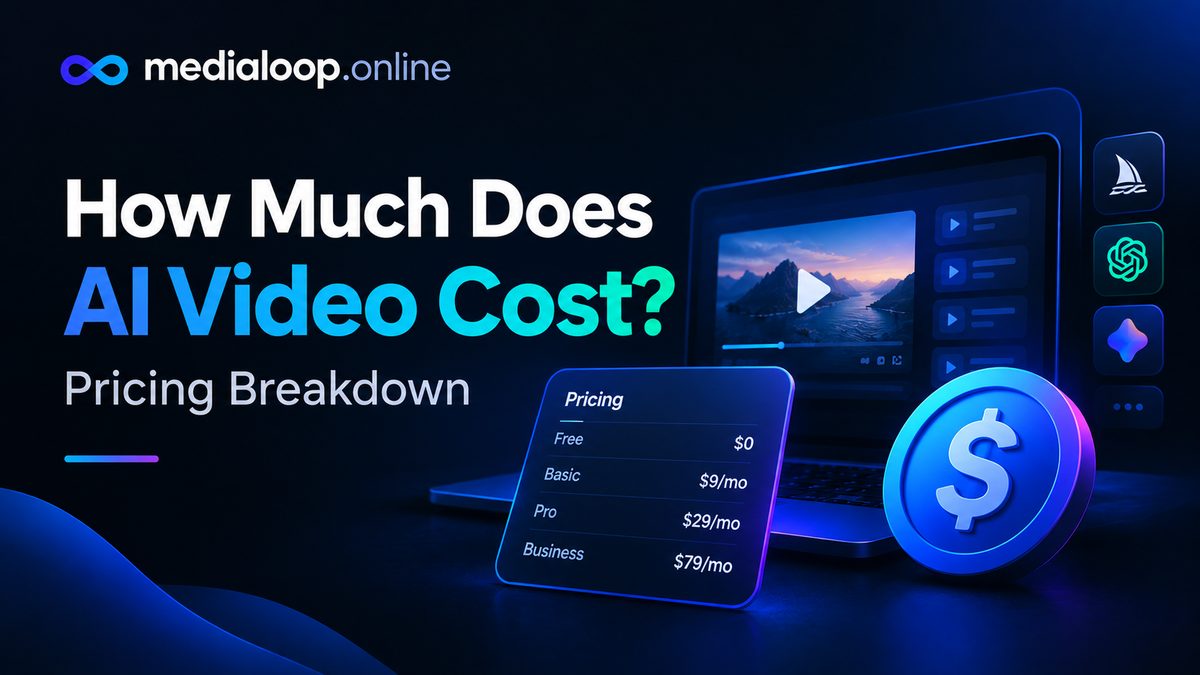
How Much Does AI Video Cost? Pricing Breakdown
How much does AI video cost in 2026? Honest pricing breakdown: subscriptions, per-video costs, free tiers, and what creators actually spend per month.
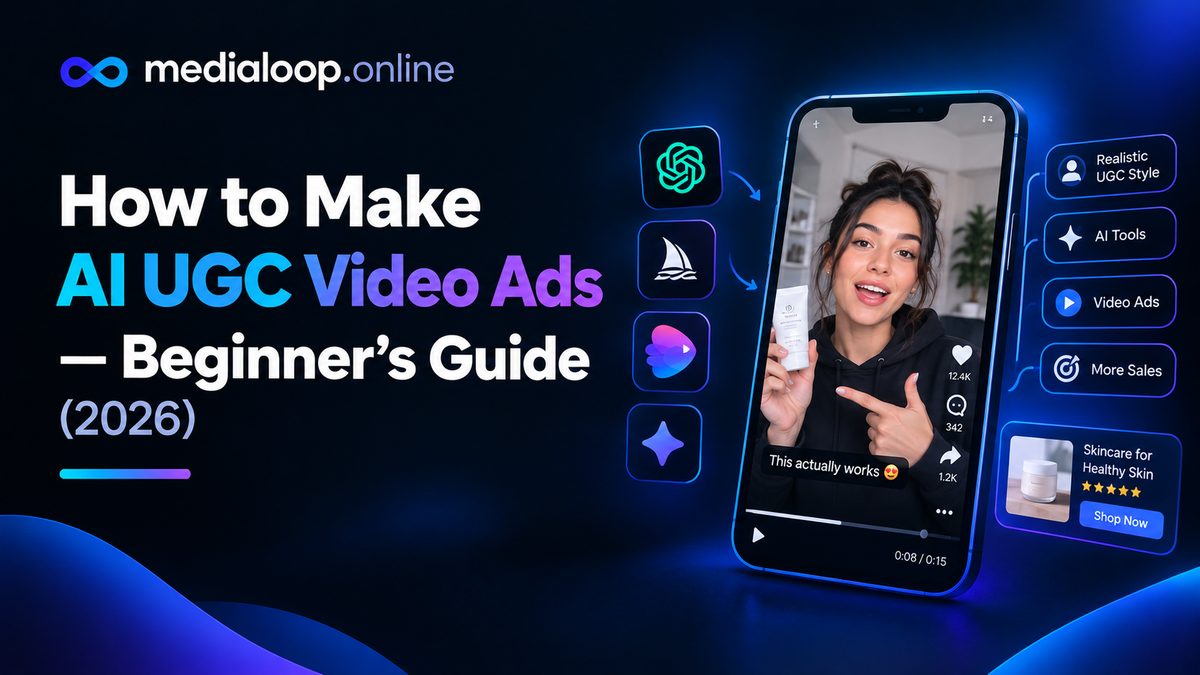
Scroll through TikTok or Instagram Reels and you'll notice something: the ads that stop your thumb rarely look like ads. They look like a regular person talking to their phone about a product they like. That format — user-generated-content style, or "UGC" — has become the default creative style for paid social, and now AI can produce the whole thing: the script, the on-camera "person," the voiceover, and the edit.
This guide walks you through the entire process, end to end. No film crew, no actors, no showing your own face if you don't want to. By the end you'll know how to script, generate, edit, and launch an AI UGC video ad — and the mistakes that make most beginners' first attempts look cheap.
A UGC video ad imitates the look and feel of an organic customer video: vertical 9:16 framing, casual language, a person talking straight to camera, quick cuts, on-screen captions. Traditionally, brands paid real creators to film these. An AI UGC video ad replaces the human on camera with an AI-generated spokesperson or avatar, an AI voiceover, or a combination of both — while keeping the casual, native style.
Why brands use them:
One honest note before we start: an AI spokesperson is a stand-in, not a real customer. Don't present it as a genuine testimonial from a real person — that's deceptive, and ad platforms are increasingly strict about synthetic media. Use AI UGC for demonstrations, explainers, and direct-response creative, and keep your claims truthful.
Gather these before you open any tool:
Your tool stack can be simple. A workable beginner setup looks like this:
| Job | Tools to consider |
|---|---|
| Script | Any AI writing assistant, or your own draft |
| AI spokesperson / avatar | HeyGen, Synthesia |
| Voiceover | Descript, VEED |
| B-roll and product visuals | Runway, Pictory, stock footage sites |
| Editing and captions | VEED, CapCut, Premiere |
You don't need all of these. Many creators make their first AI UGC ads with just an avatar tool and a free editor.
The script decides whether your ad works. AI visuals can't save a weak script, but a strong script can carry average visuals. Most converting UGC ads follow the same skeleton:
Here's a fill-in template you can reuse:
[Hook — problem callout] [One sentence making the problem feel real] [Product name] fixes that by [single main benefit]. [Watch / look — demo moment described in one line] [Proof line: what changes for the user] [CTA — where to go + the offer]
Writing tips that make AI delivery sound human:
This is the "face" of your ad. You have two main routes:
Route A: AI avatar platforms. Tools like HeyGen and Synthesia let you pick a stock avatar (or create a custom one) and generate it "speaking" your script. Pick a persona that plausibly matches your audience — a skincare ad lands differently from a B2B software ad, and the avatar should reflect that. Keep gestures and camera movement modest; the harder the avatar tries to look lively, the sooner it looks artificial.
Route B: No face at all. Voiceover plus b-roll, product close-ups, and kinetic captions. Plenty of UGC-style ads never show a face, and for some products this converts just as well while being faster to produce.
Whichever route you take, generate at 1080×1920 (vertical) from the start. Cropping a horizontal video down to vertical afterward always looks worse.
Even if you use an avatar platform with built-in voices, it's worth knowing the standalone workflow, because you'll reuse it for every video:
Small detail, big payoff: add a half-second pause right after the hook. It gives the viewer's brain a beat to decide to keep watching.
Talking-head footage alone gets boring fast. Plan one visual change every 2–4 seconds, timed to the script:
Match each visual to a script beat. When the voiceover says "it takes thirty seconds," show a thirty-second process. Mismatched audio and visuals are the fastest way to look amateur.
Assembly order for a standard 25-second ad:
Export one master in 1080×1920, then create platform variants only if needed (most placements accept the same vertical file).
Where to run AI UGC ads:
Don't launch one video and judge the format. Launch 3–5 hook variations of the same ad — same body, different first three seconds — and compare early retention (how many viewers are still watching at 3 seconds). Kill the losers, make more variants of the winner. That loop is the whole game in paid social creative.
Compliance notes worth taking seriously:
Yes, as a format. What's regulated is deception: disclose that content is an ad where required, don't fabricate testimonials from real people, and follow each platform's synthetic-media policies. When in doubt, label clearly.
Your first few can be nearly free using trial tiers. Ongoing, most creators spend somewhere between $20 and $100/month on tool subscriptions depending on volume — see our full pricing breakdown for details. Check official sites for current prices; they change often.
No. Voiceover-plus-b-roll UGC ads are common and effective, especially for products where the demo matters more than the presenter.
Your first will take a few hours as you learn the tools. Once the workflow is set, 30–60 minutes per ad is realistic, and hook variations take minutes.
Some will, especially with avatar close-ups. That isn't automatically fatal — clear value and honest claims carry more weight than perfect realism. Don't try to pass an AI persona off as a real customer, though; that's where you lose trust.
They work best for products with a visible problem and a demonstrable result: beauty, gadgets, apps, home goods, courses. Highly regulated niches (finance, health claims) need extra care with claims and compliance.
Links below may earn us a commission at no extra cost to you.
How much does AI video cost in 2026? Honest pricing breakdown: subscriptions, per-video costs, free tiers, and what creators actually spend per month.
How to add AI voiceover to videos in 2026: a practical workflow plus 5 AI voiceover tools compared on voice quality, languages, pricing, and best use cases.
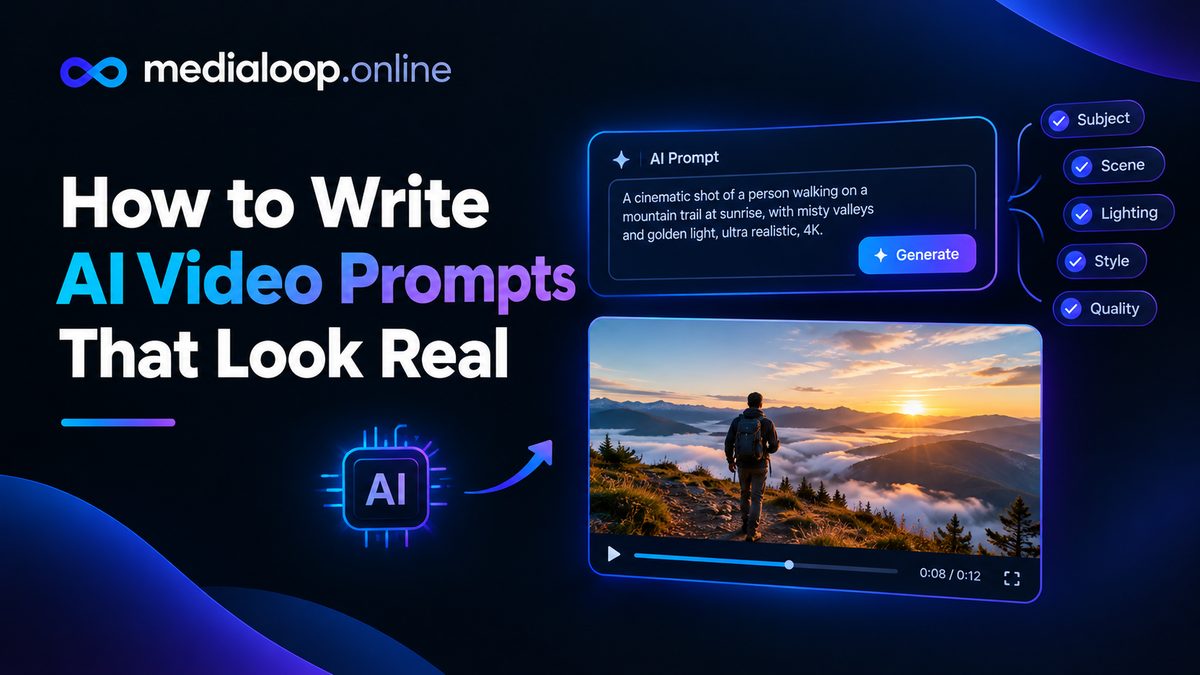
Learn how to write AI video prompts that look real: subject, motion, camera, lighting, and negative prompts. Practical prompting craft with examples for 2026.